Description
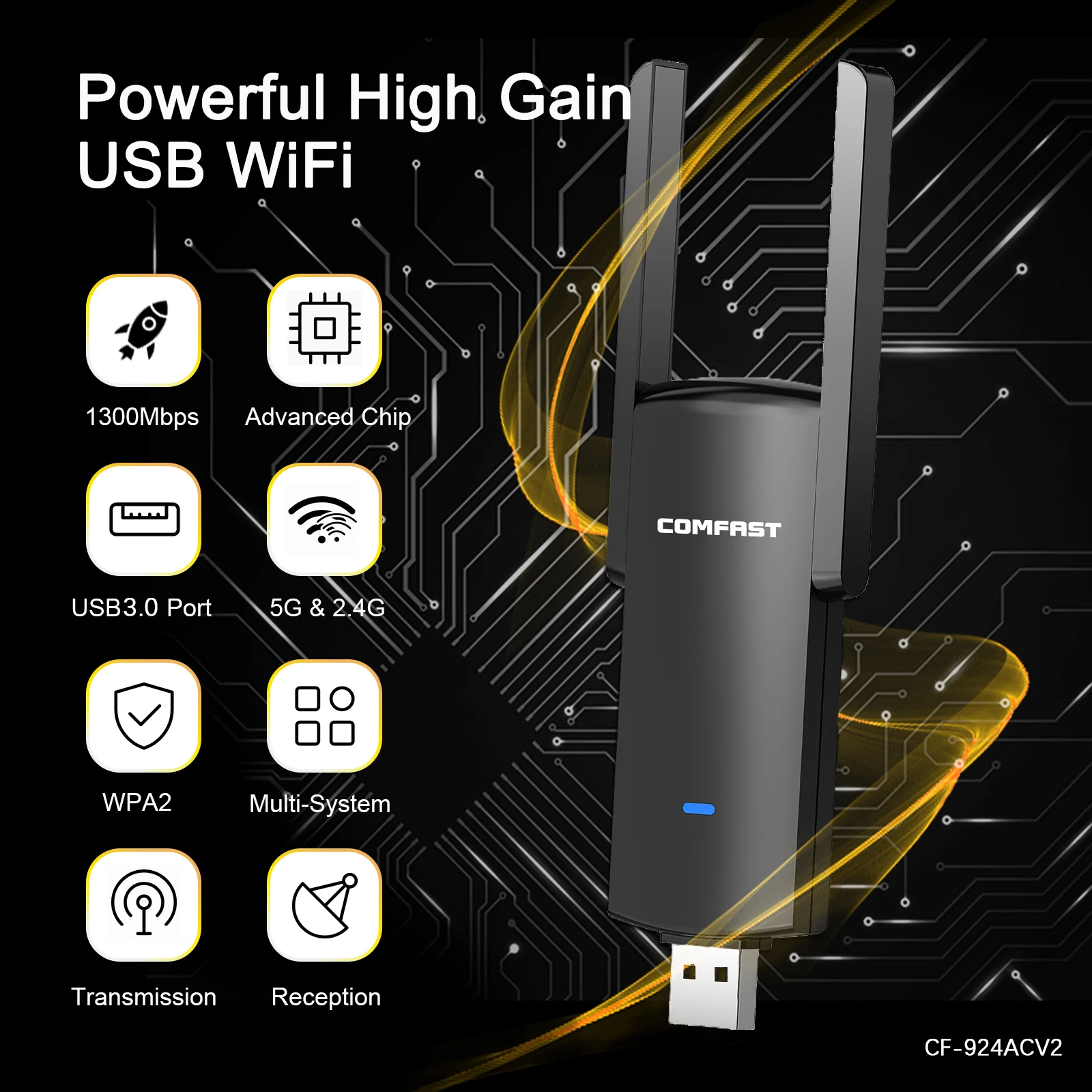
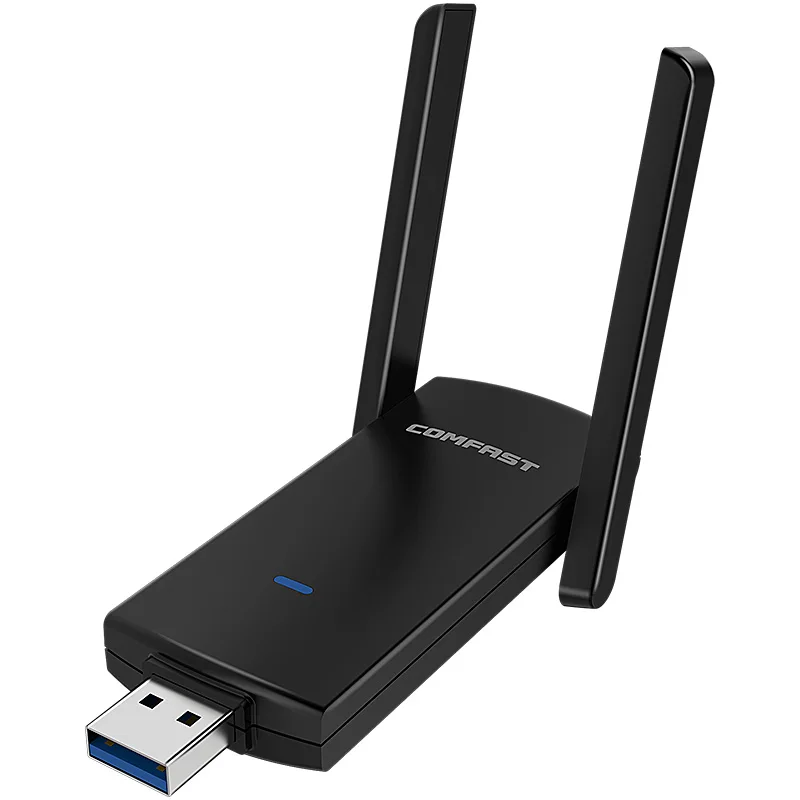
WIFI4/WIFI5 300/1300Mbps Drive-free wireless network card
Please note that there are two network cards here, purchased according to your preferences and needs.
Differences:
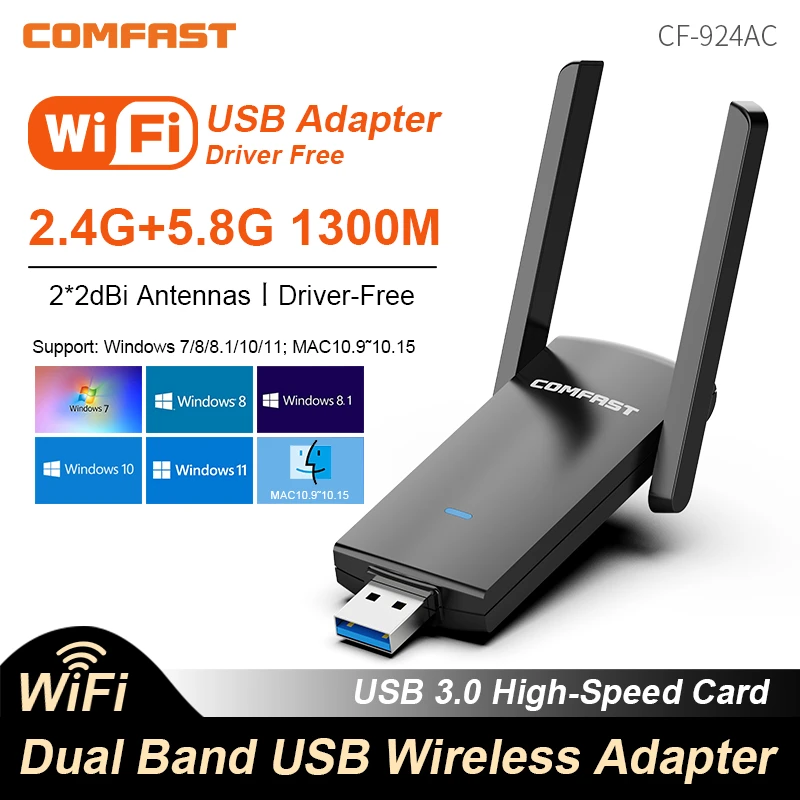
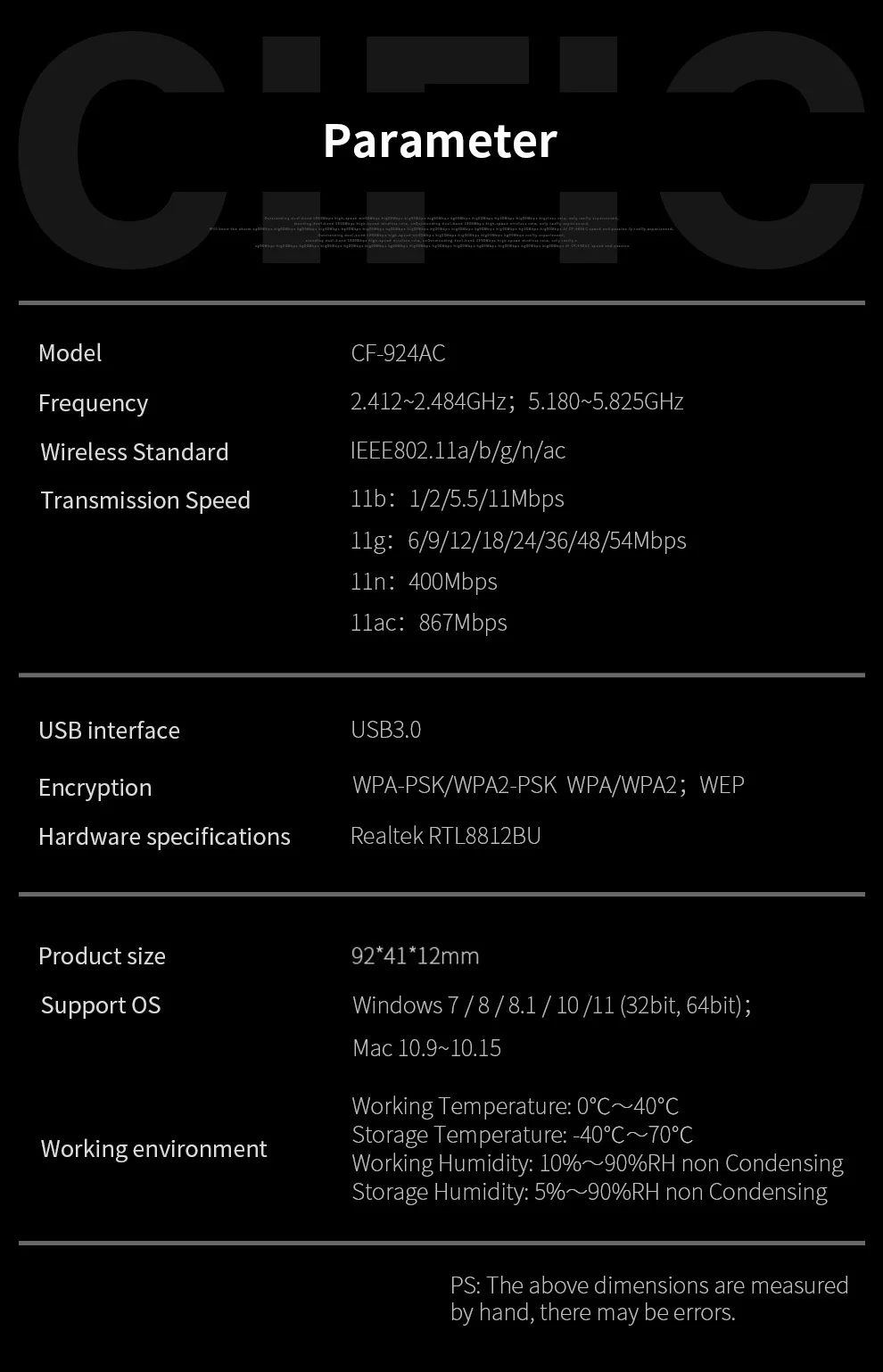
CF-924ACV2
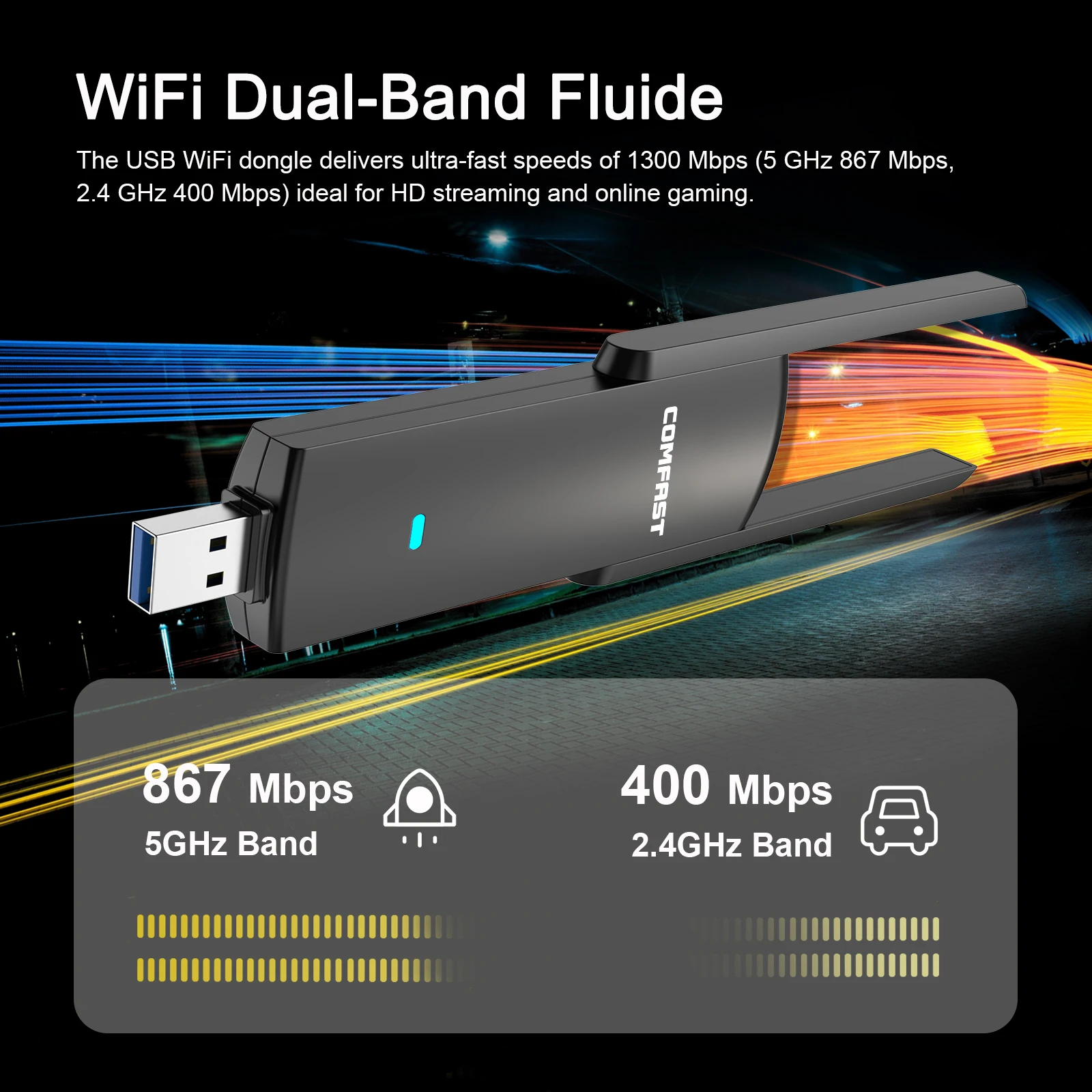
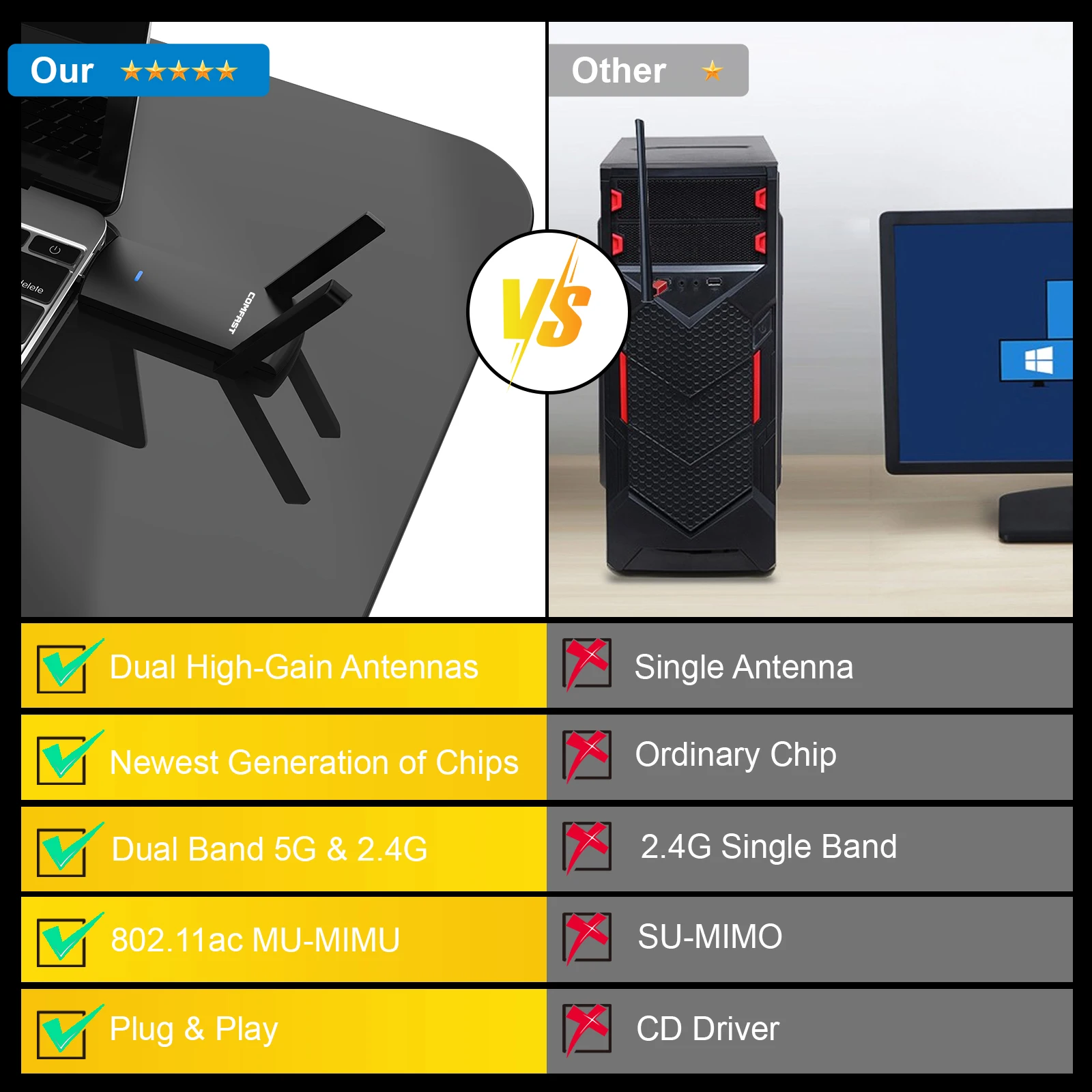
 Wifi Dual-band Fluide
The USB Wifi dongle delivers ultra- fast speeds of 1300 Mbps(5 Ghz 867 Mbps;2.4 GHZ 400 Mbps)ideal for HD streaming and online gaming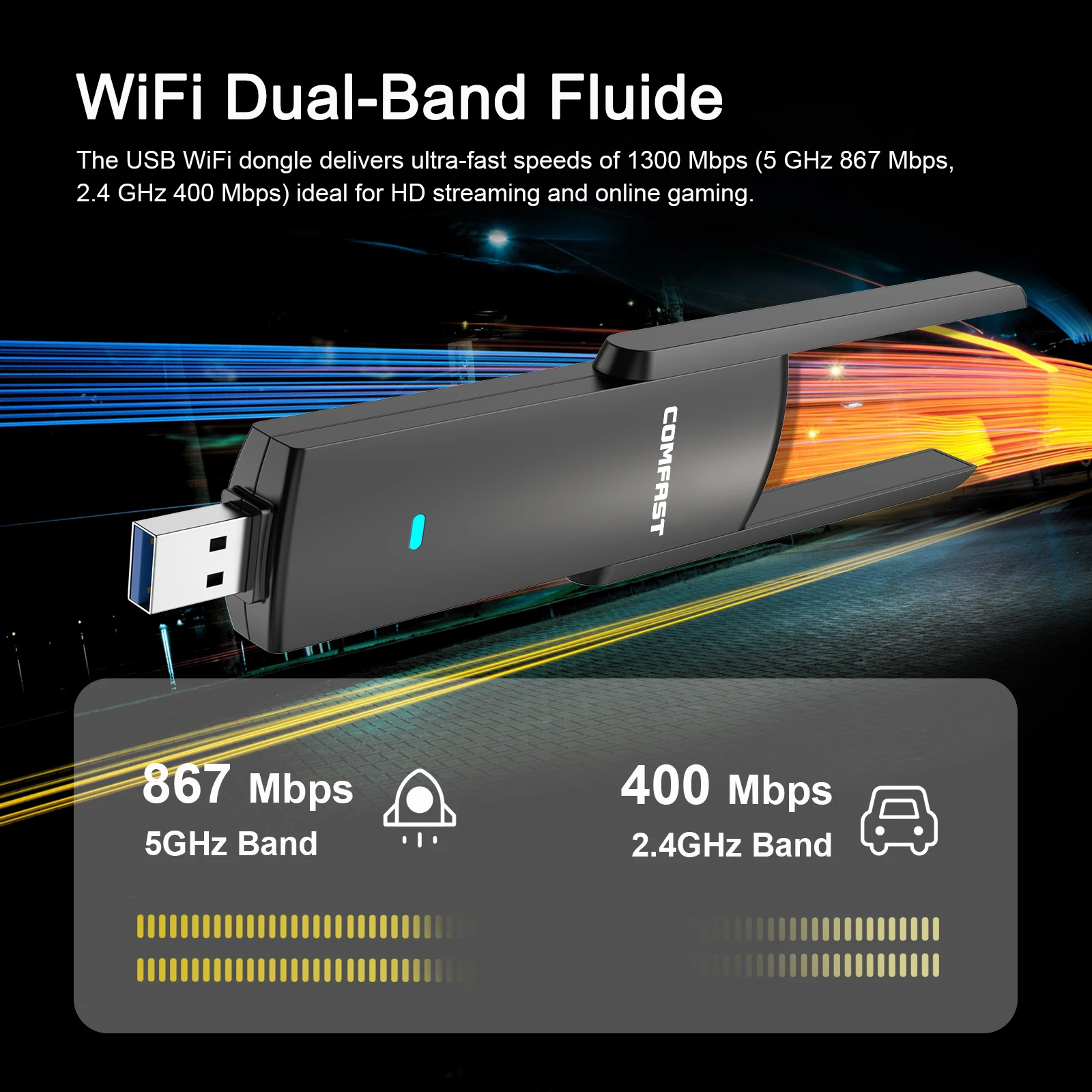
No Latency and Delay Enjoy a Stable Network
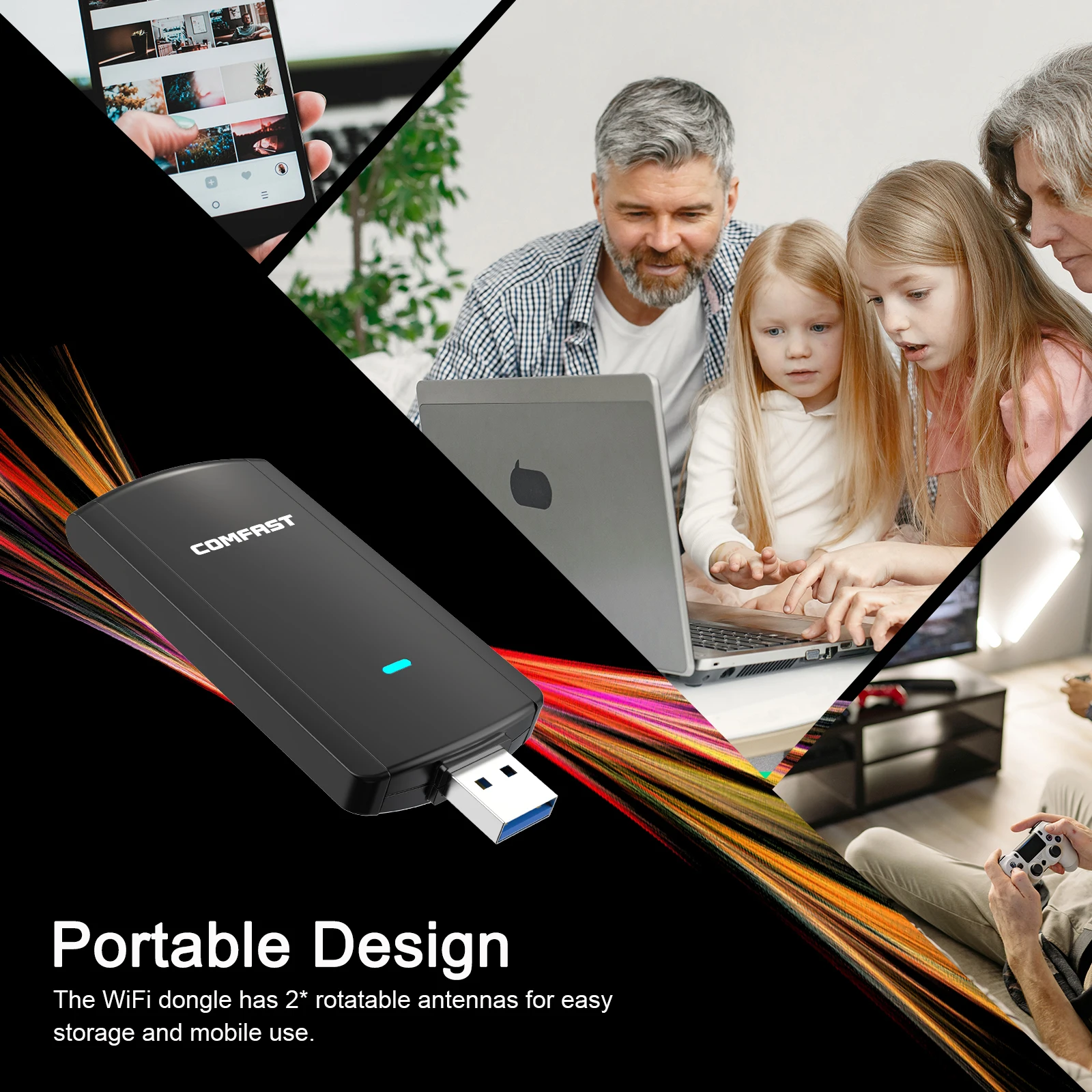
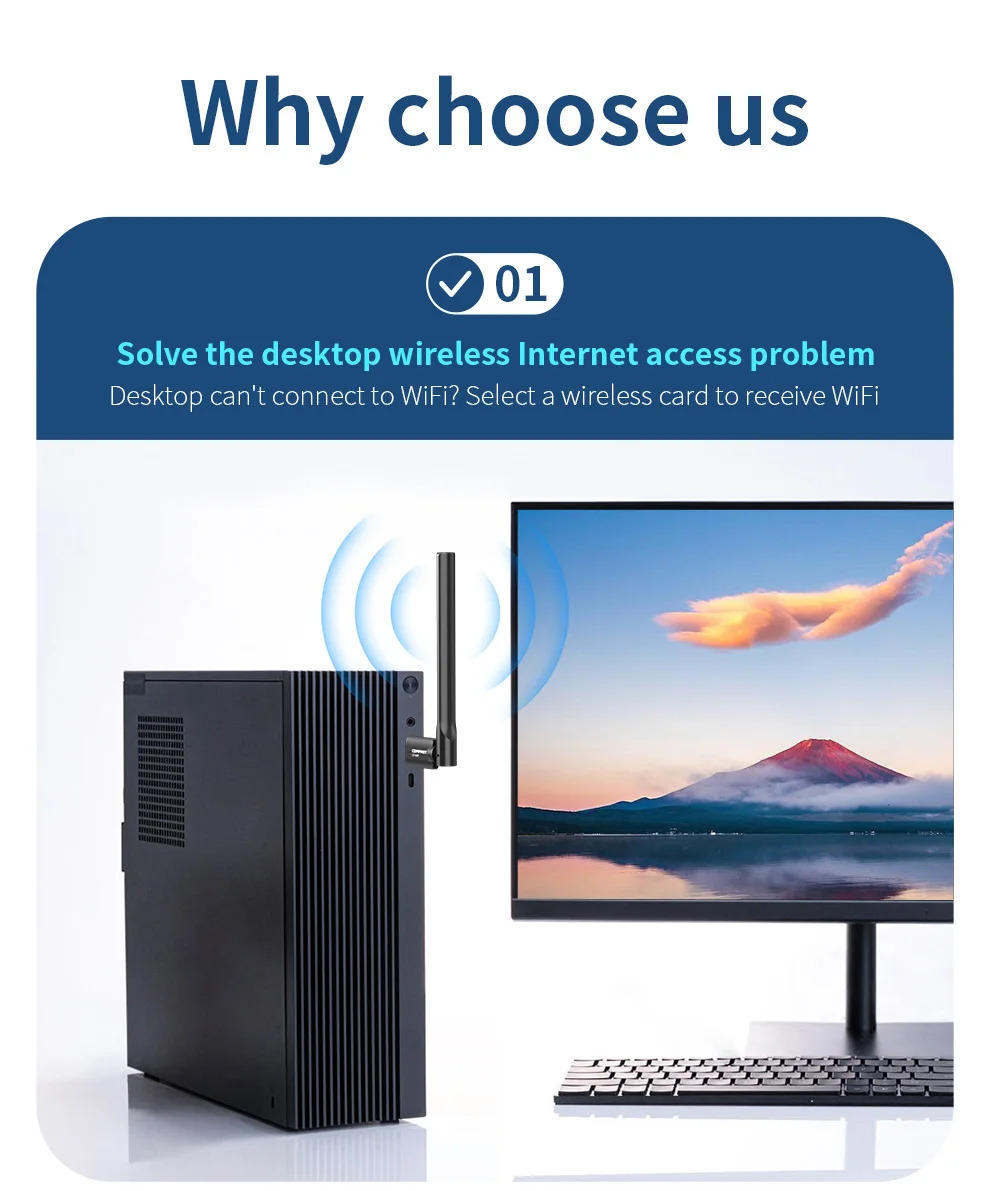
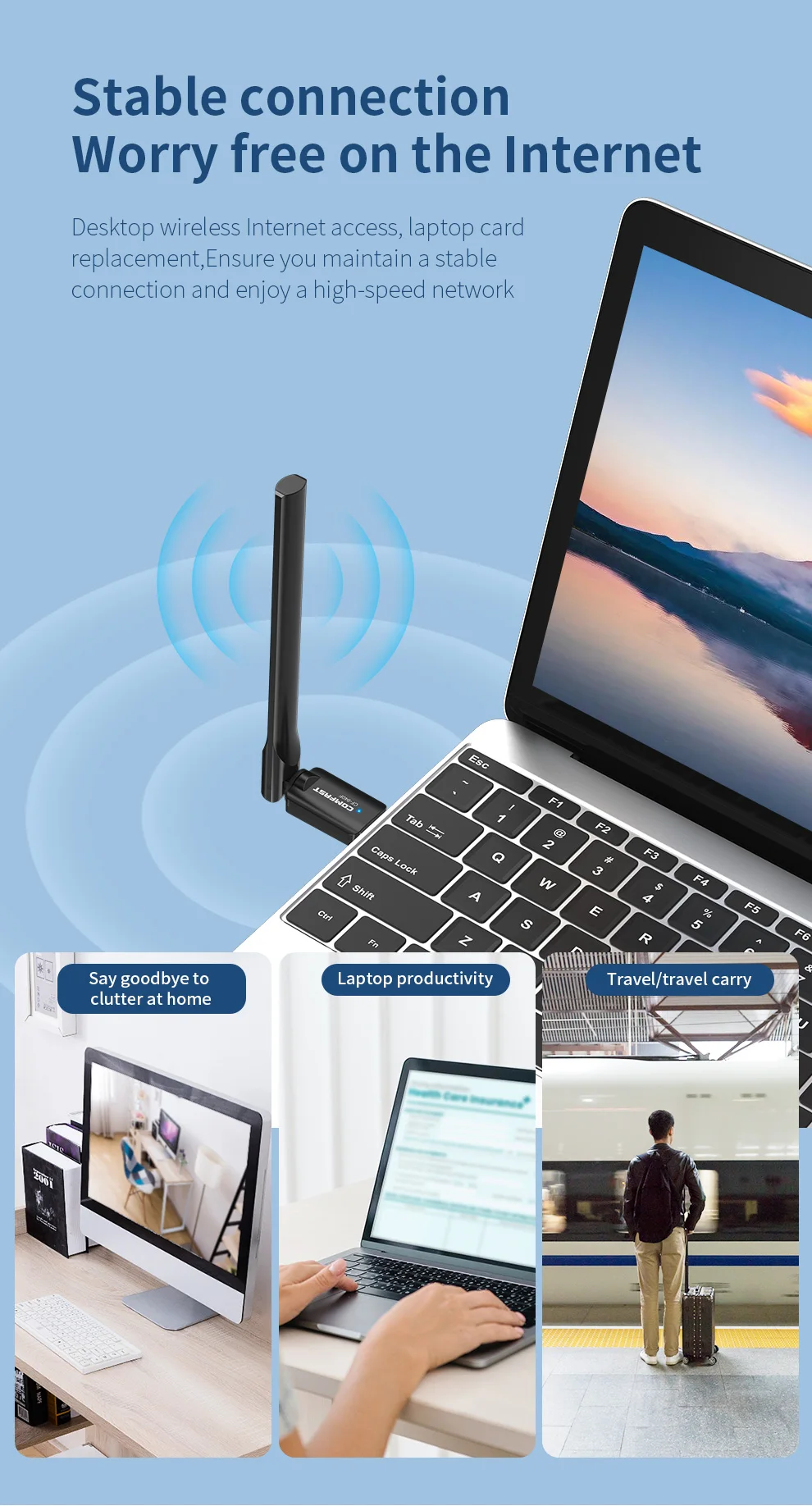
It is the first choice for desktop computers, Stable and fast like wired internet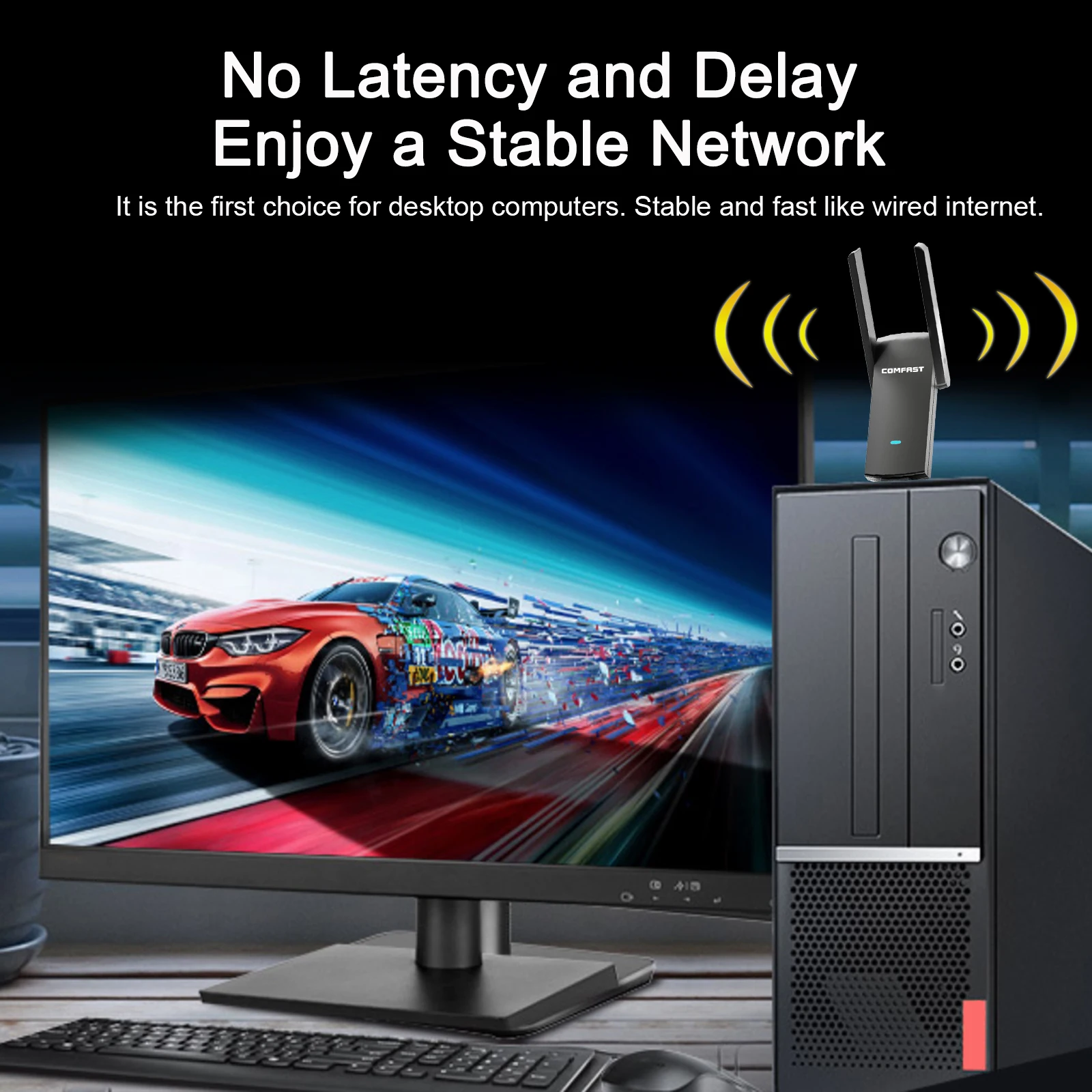
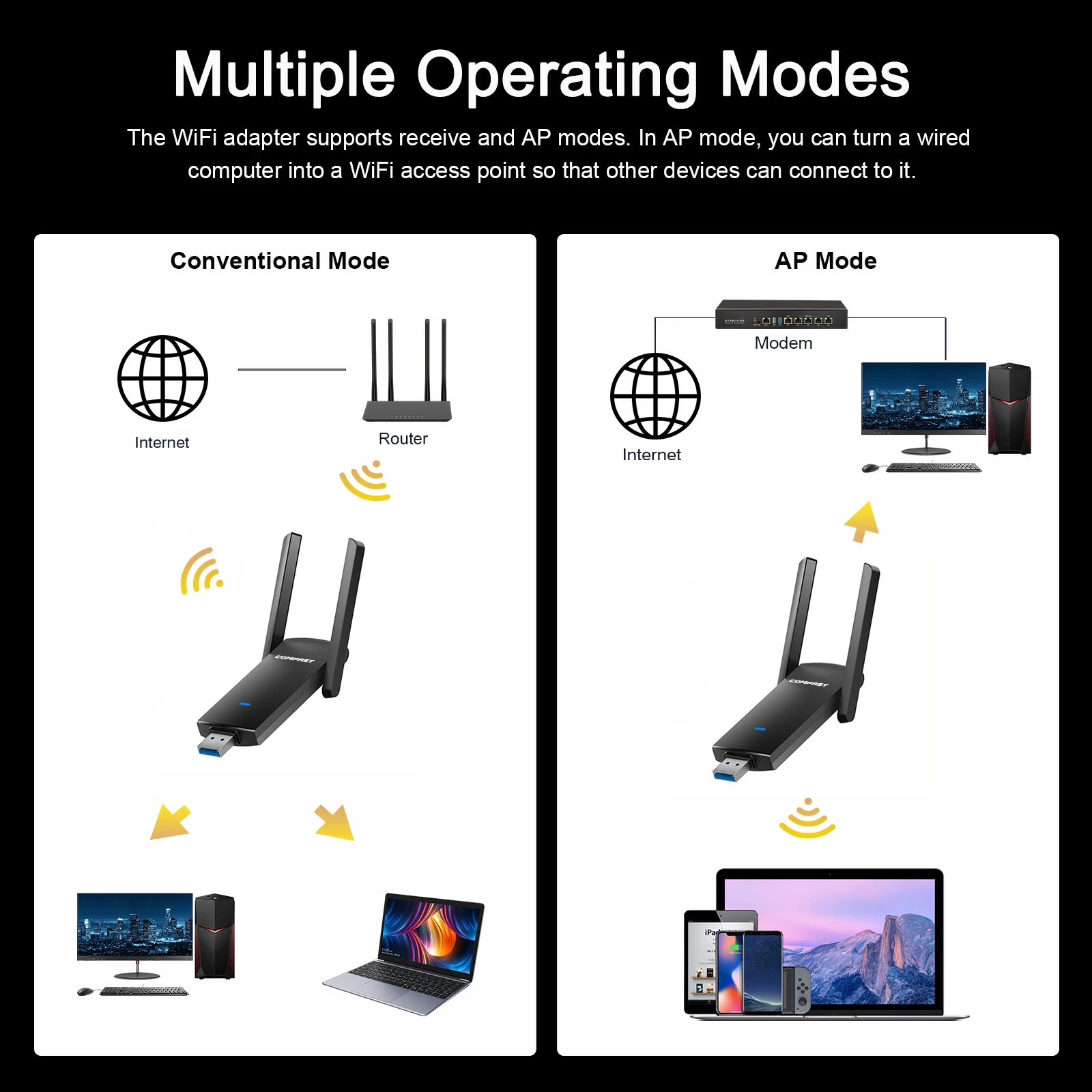
Multiple Operating Modes
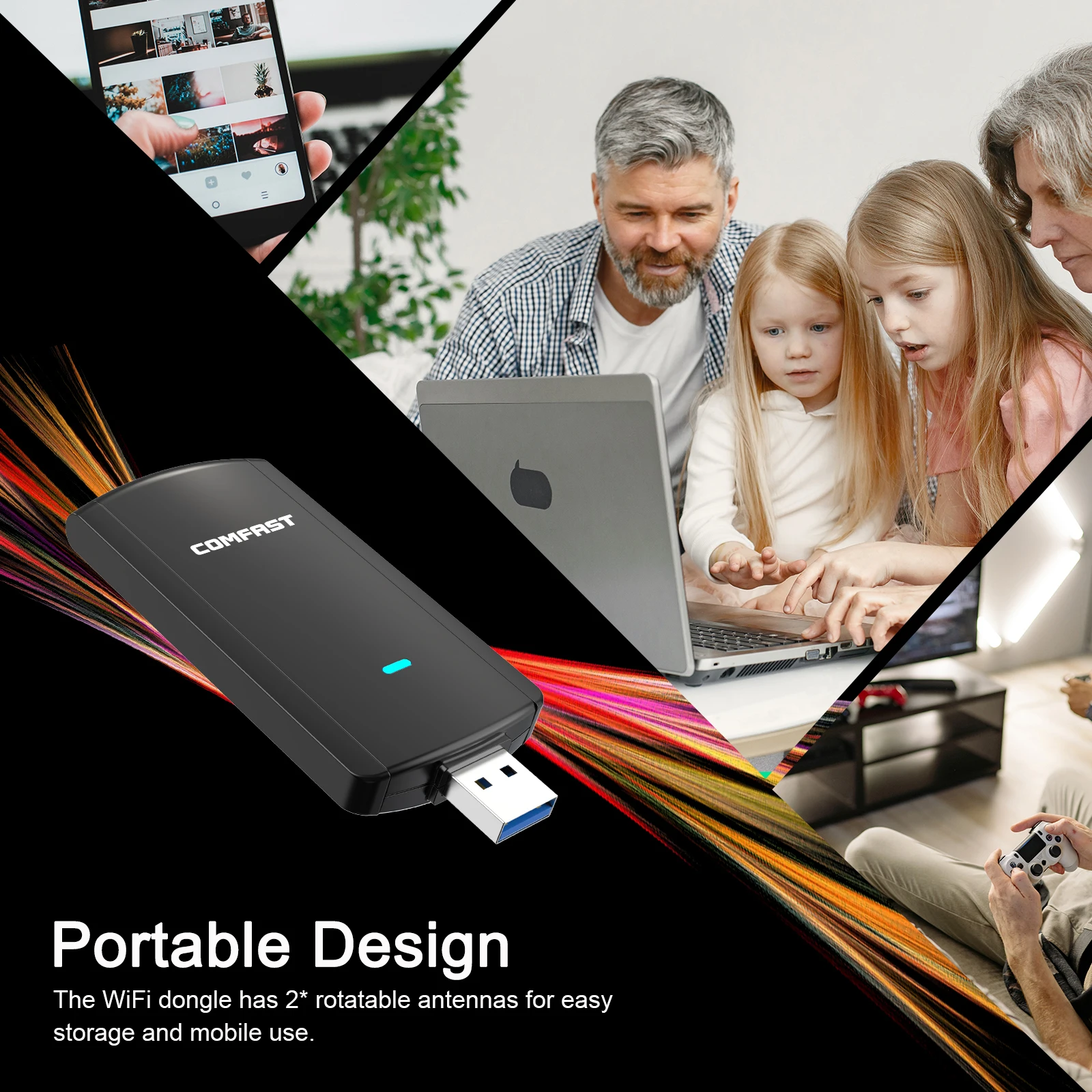
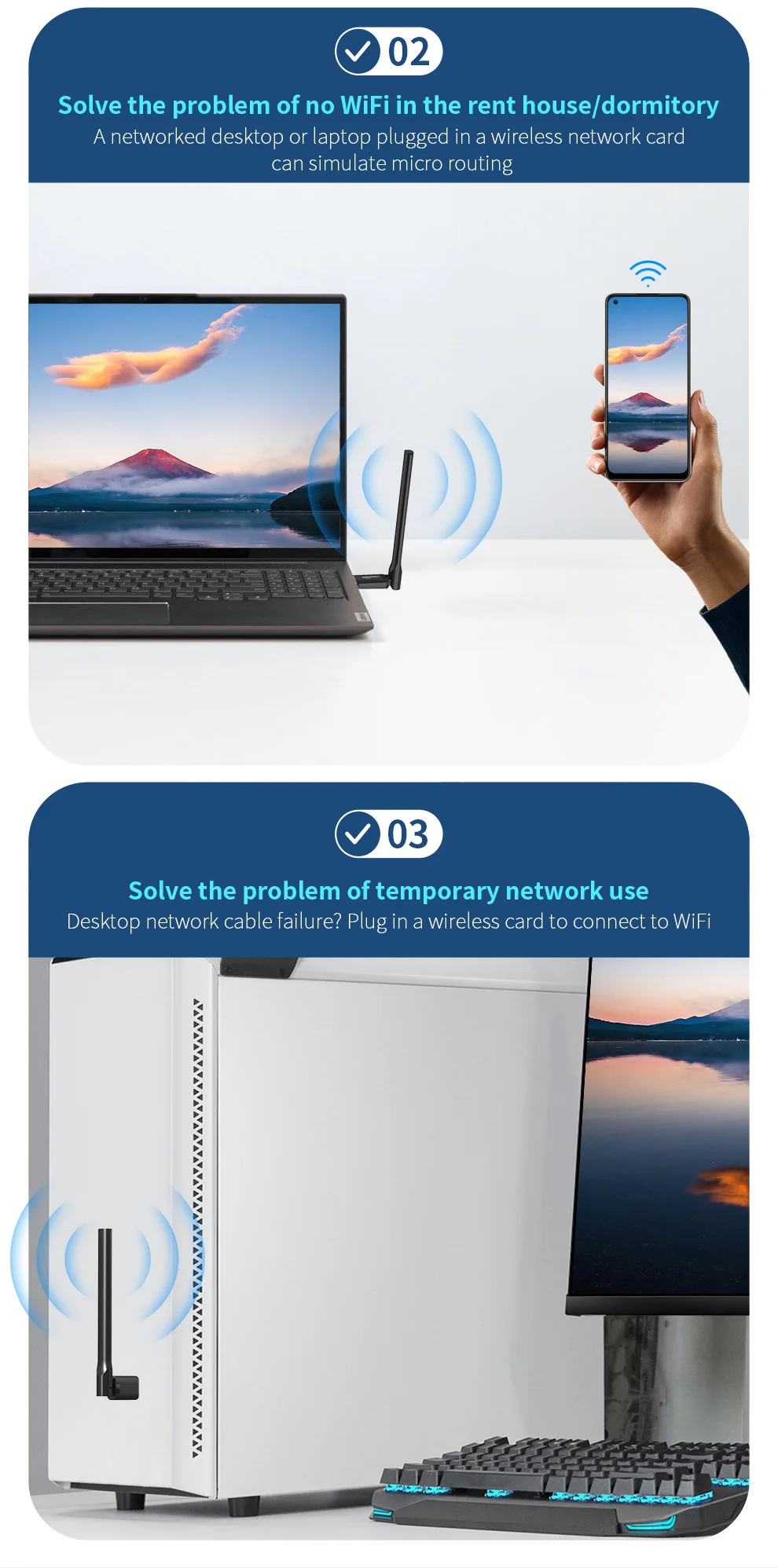
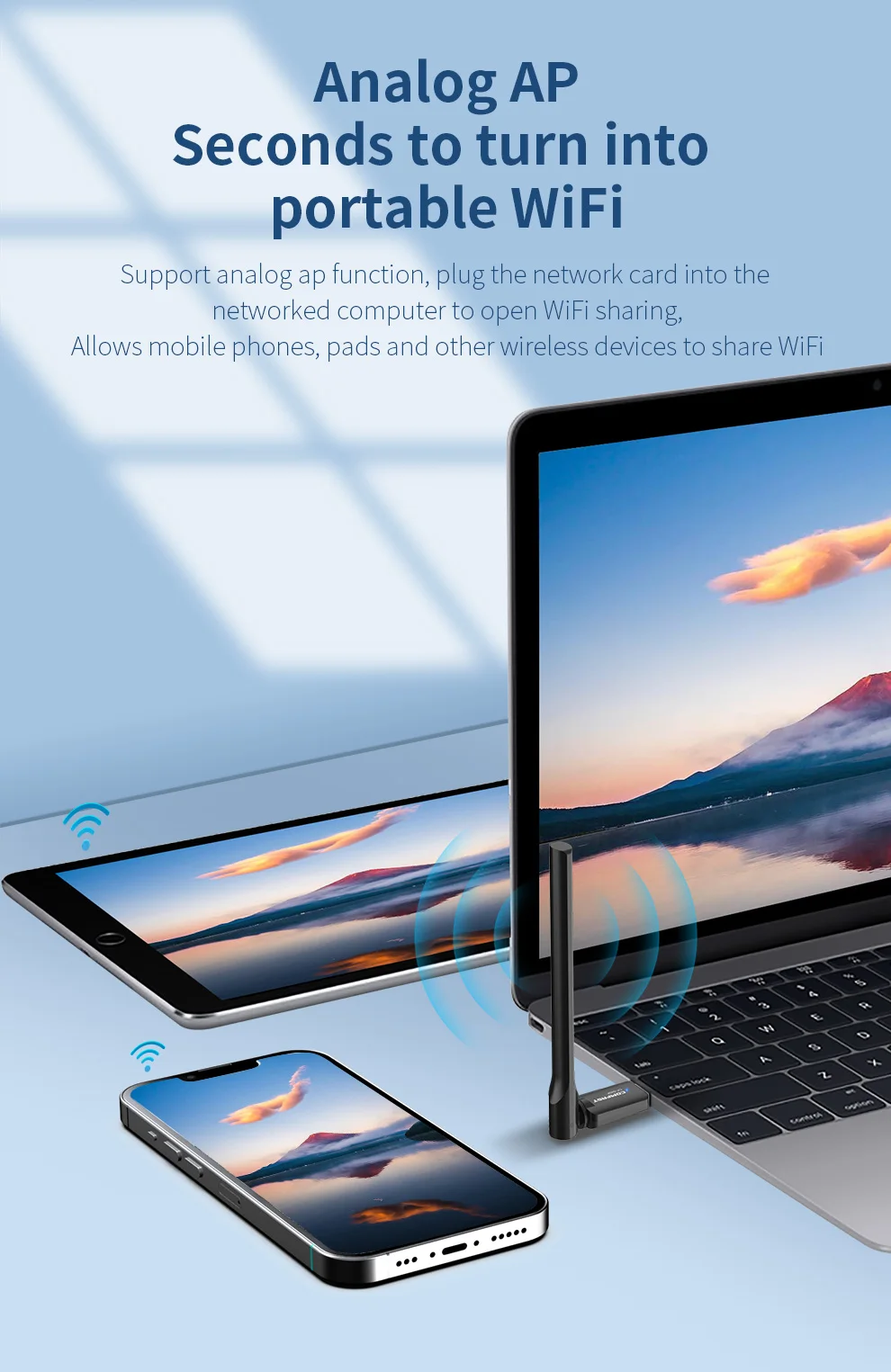
The Wifi adapter supports receive and AP modes . In AP mode , you can turn a wired computer into a Wifi access point so that other devices can connect to it.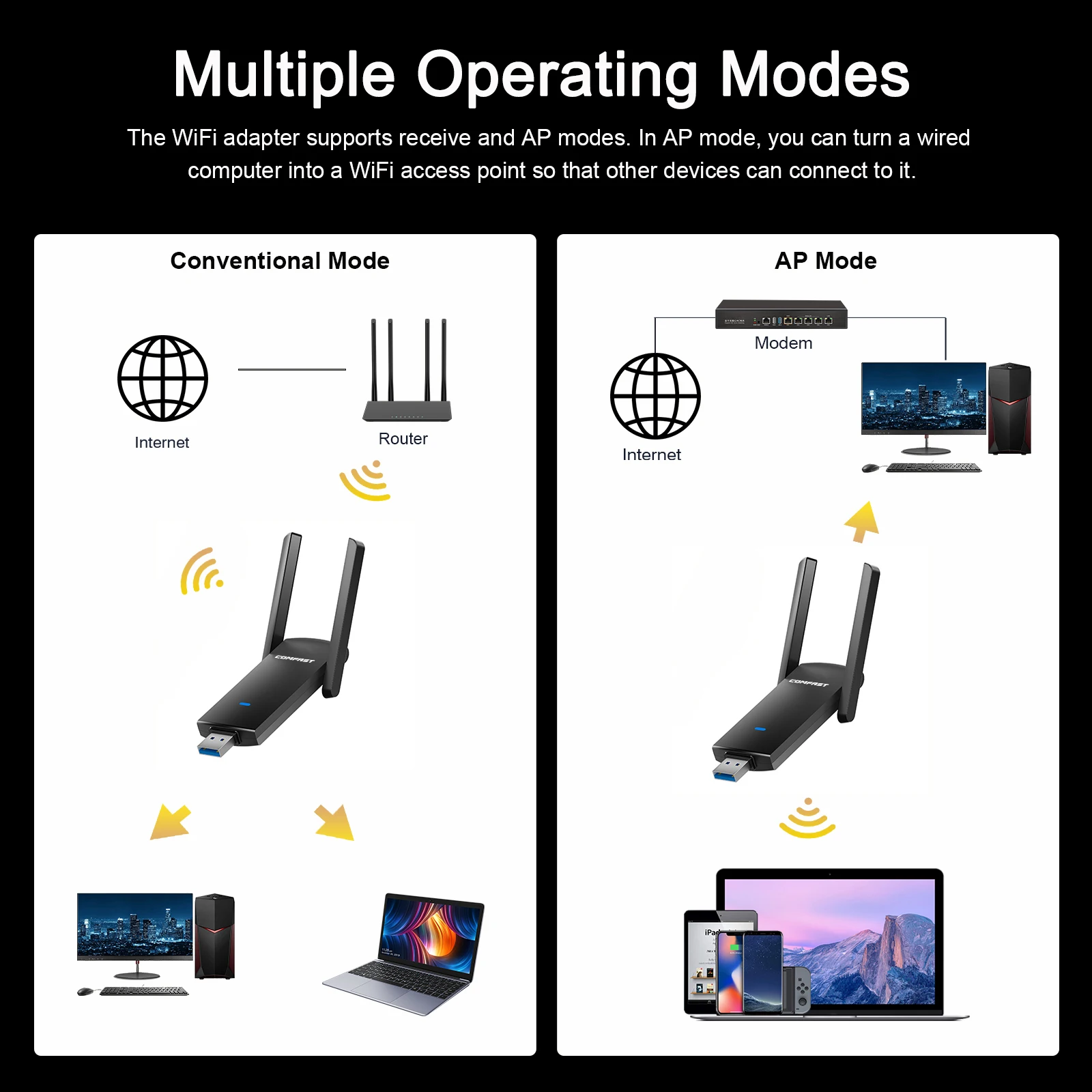
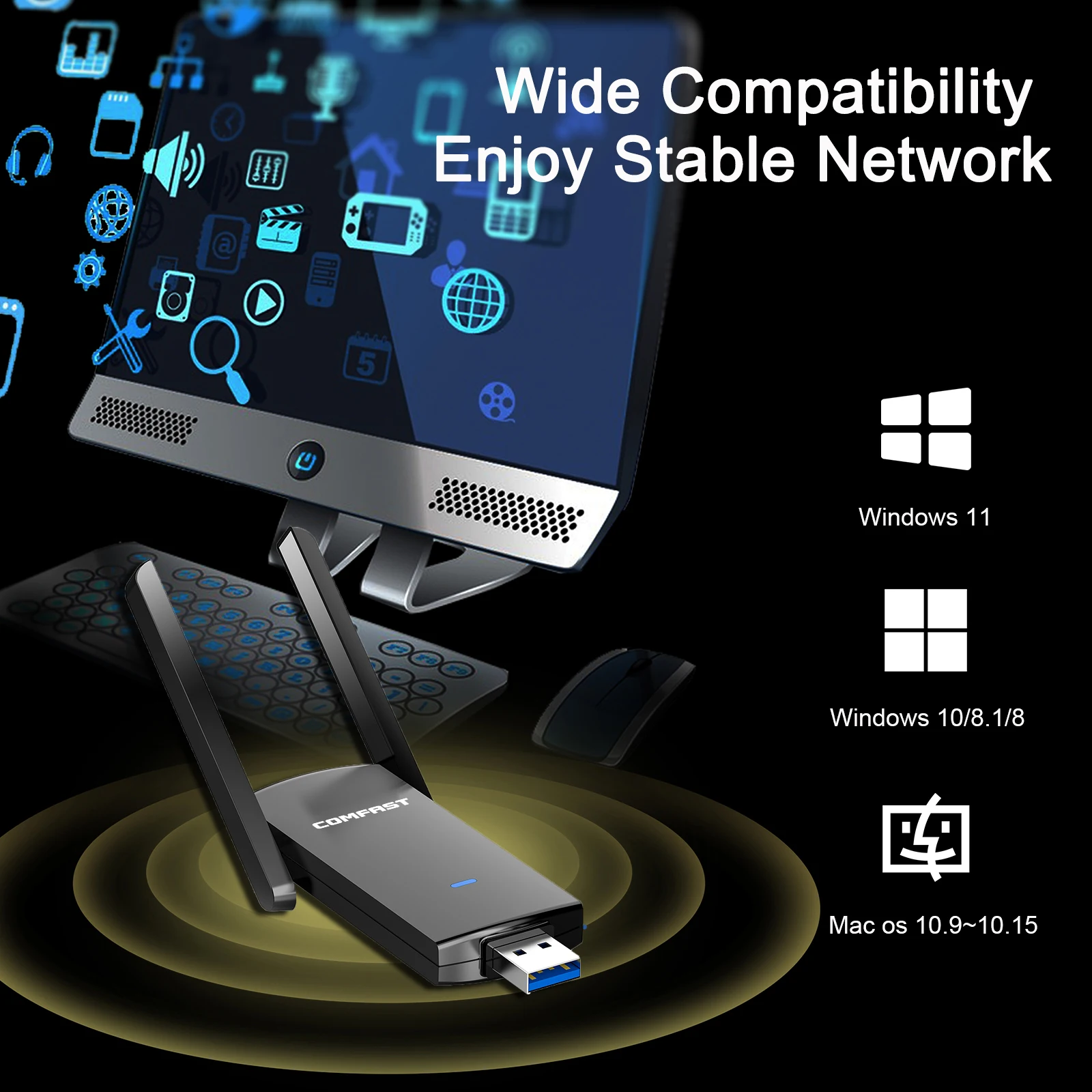
 Quick and Easy Setup
●Switch on your computer / desktop / laptop and plug the Wifi adapterinto the USB port of your computer .
●Open the driver and start the installation package the Wifi driver will be installed automatically
●Select a network ( 2.4 GHZ or 5 GHZ network ) , enter your Wifi password and enjoy your time online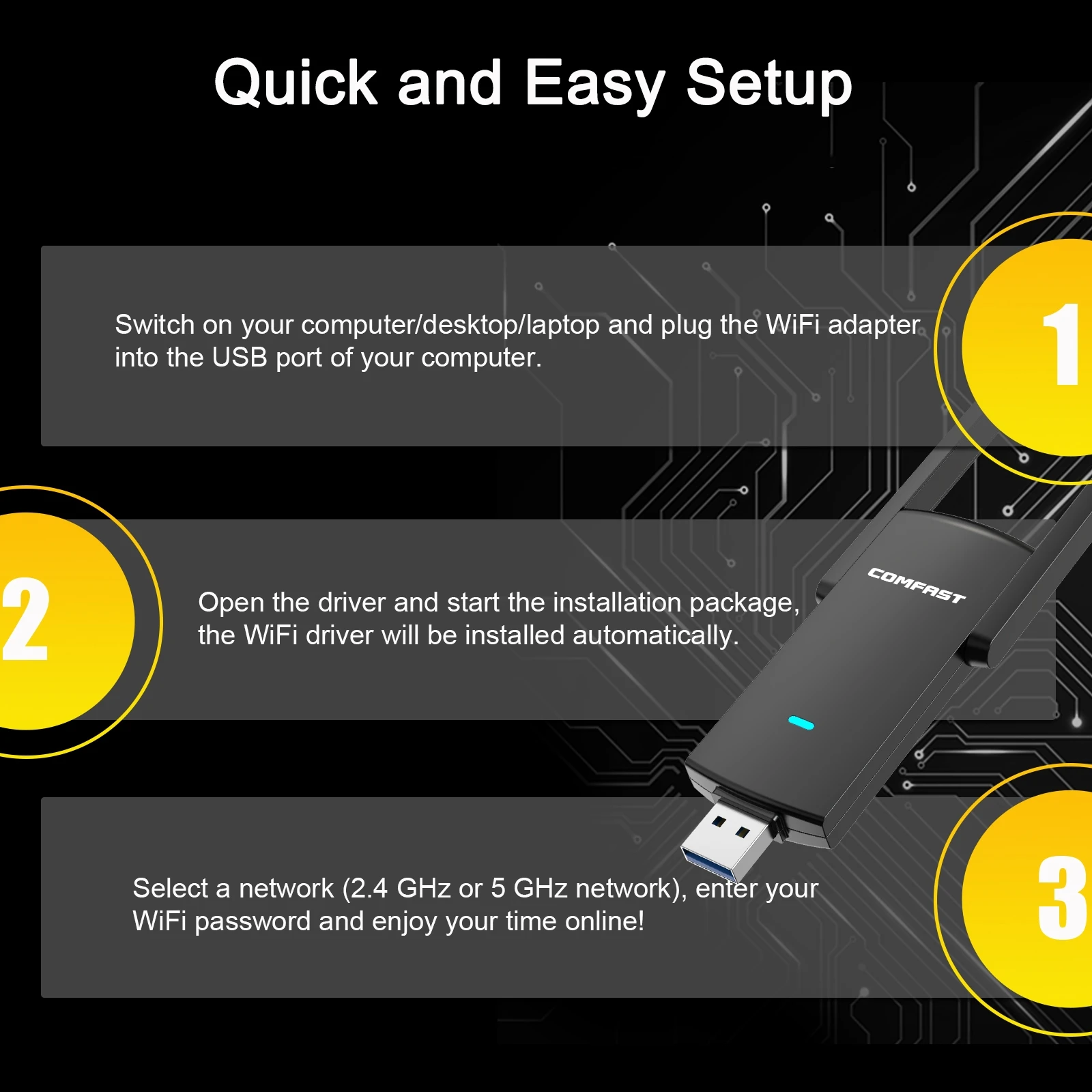

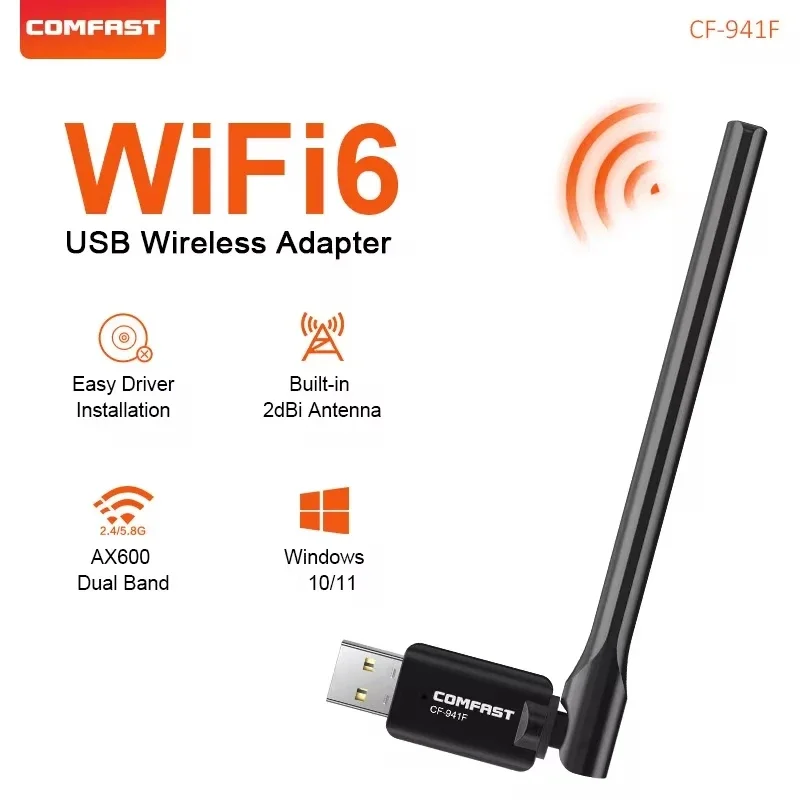
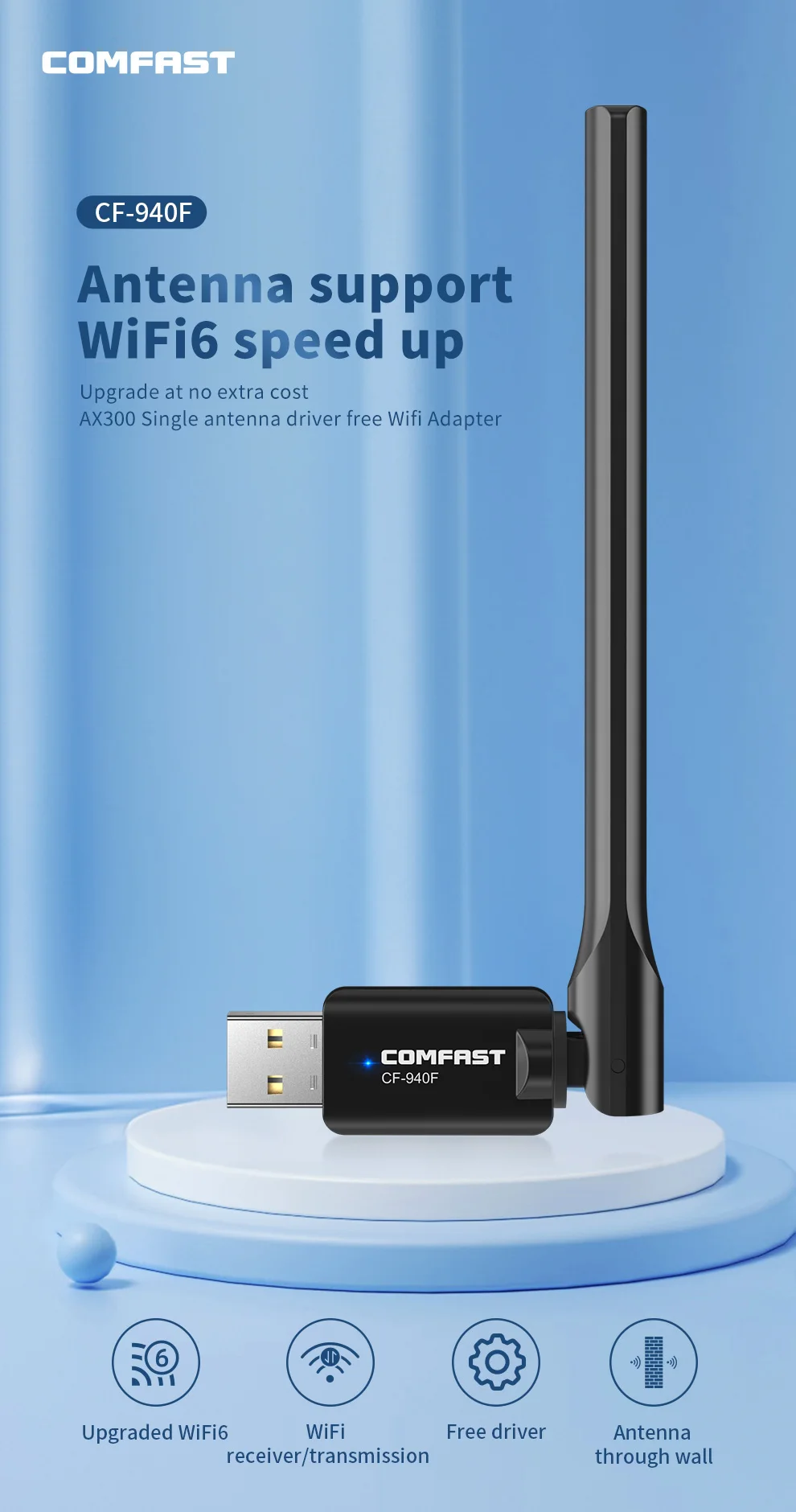
CF-40F
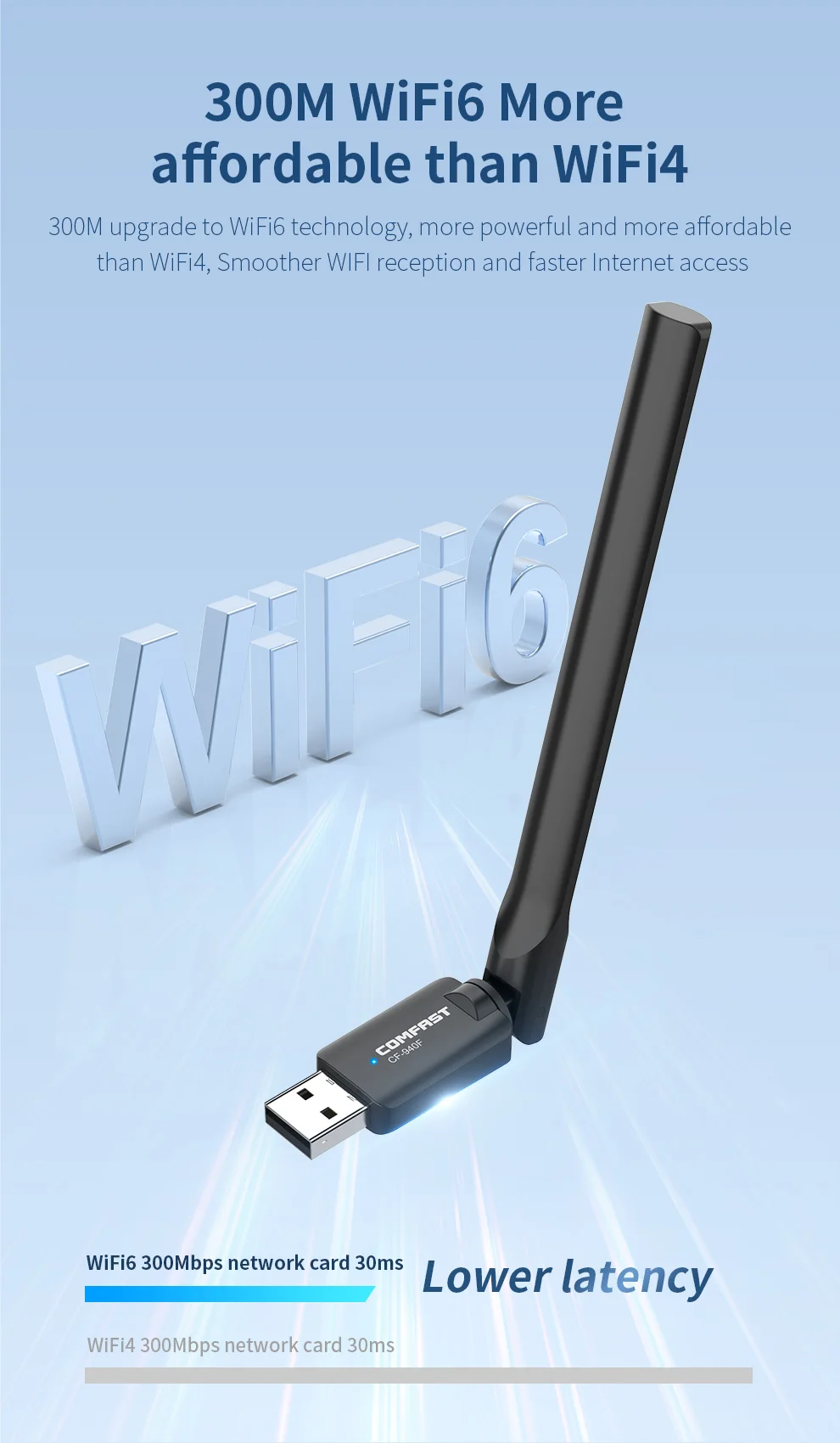
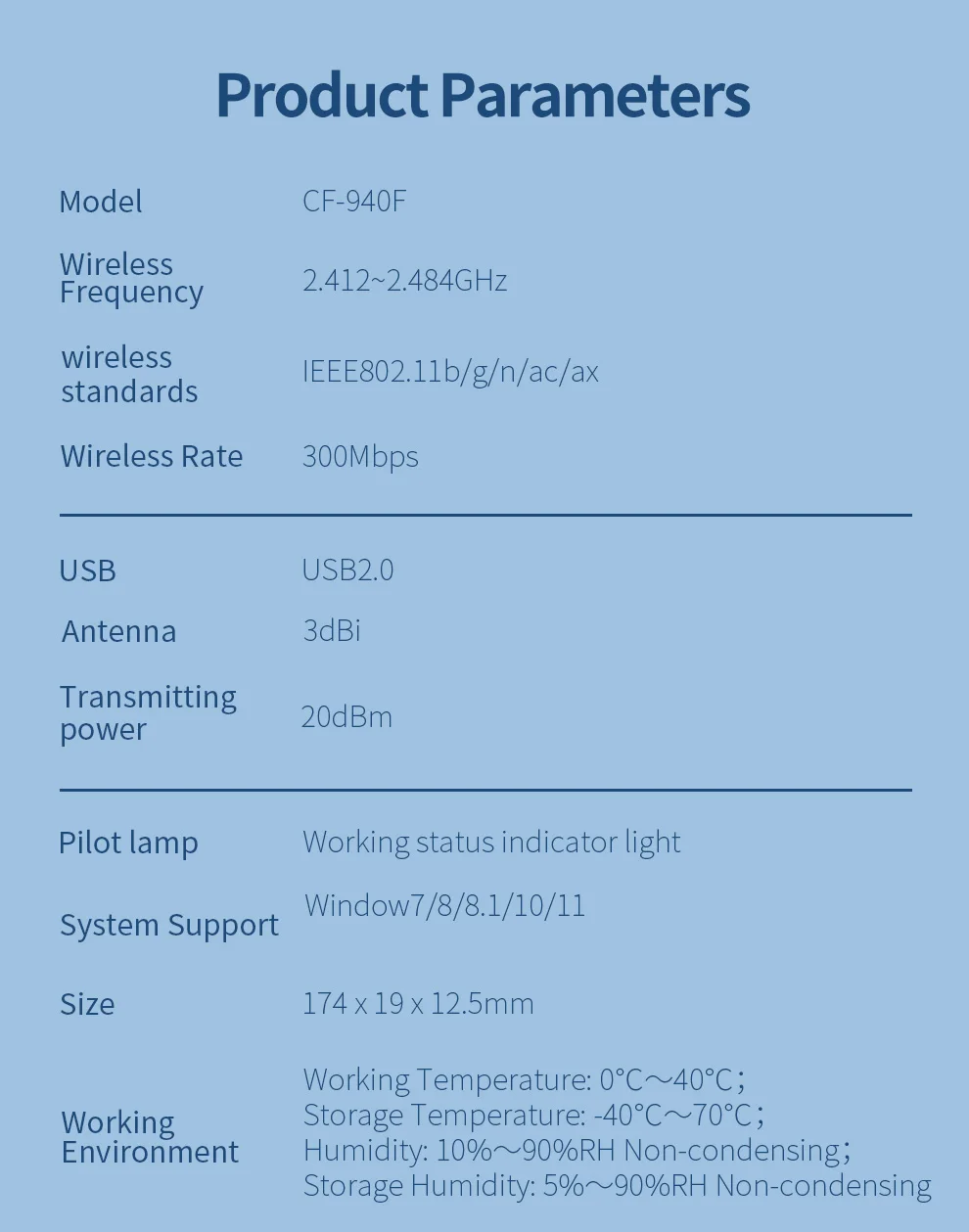
1.Wireless standard:IEEE802.11b/g/n/ac/ax
2.Output Power:82mW(19dBm)
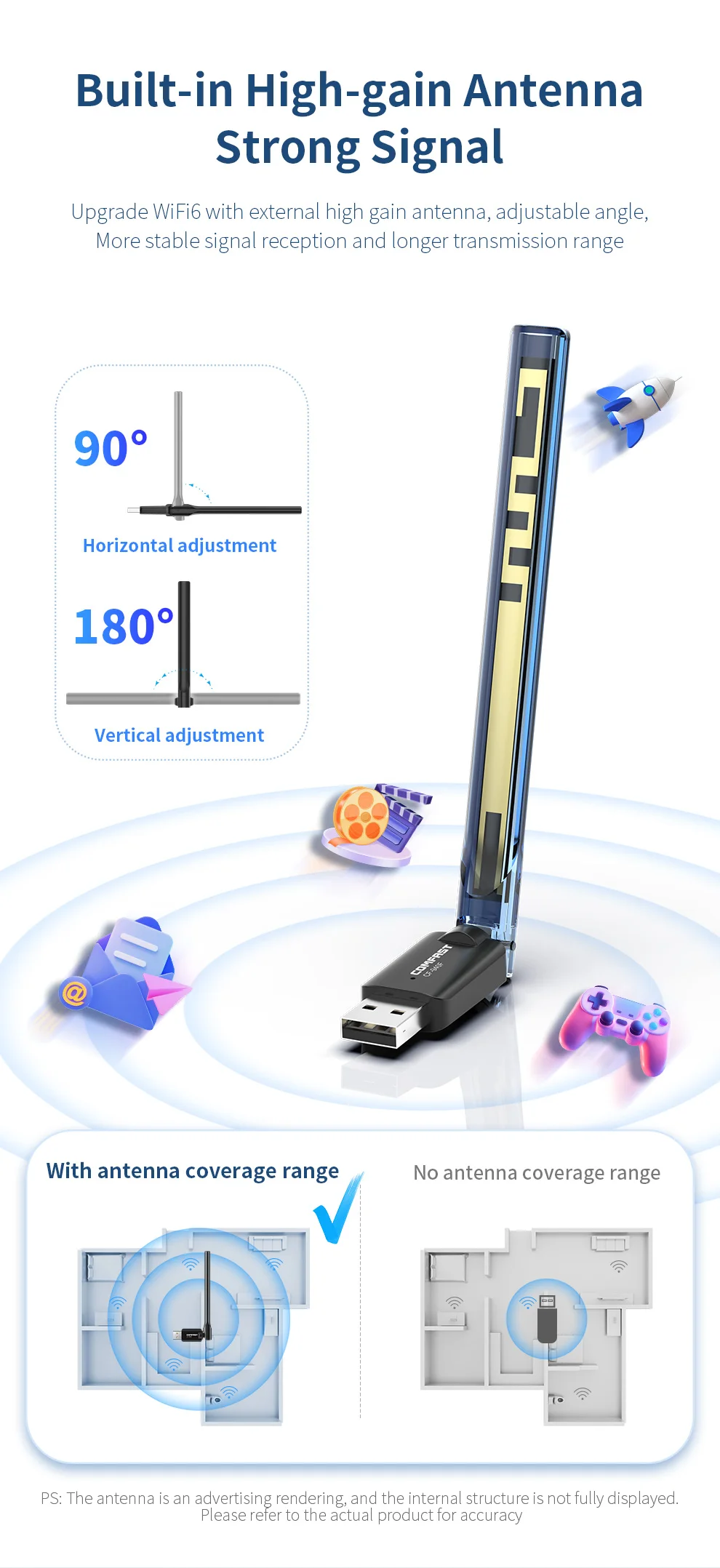
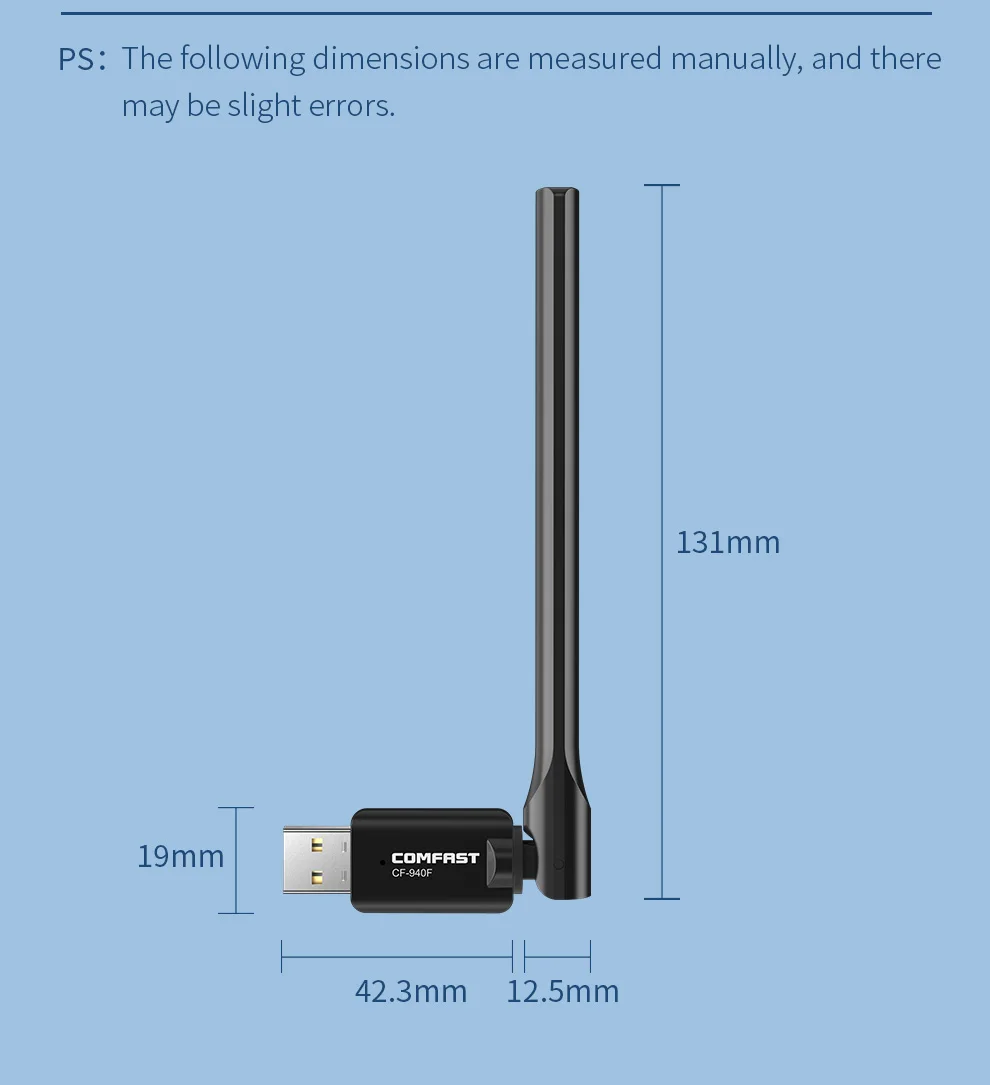
3.Antenna:external 2dBi Antenna
4.Wireless Rate:2.4GHz:286Mbps
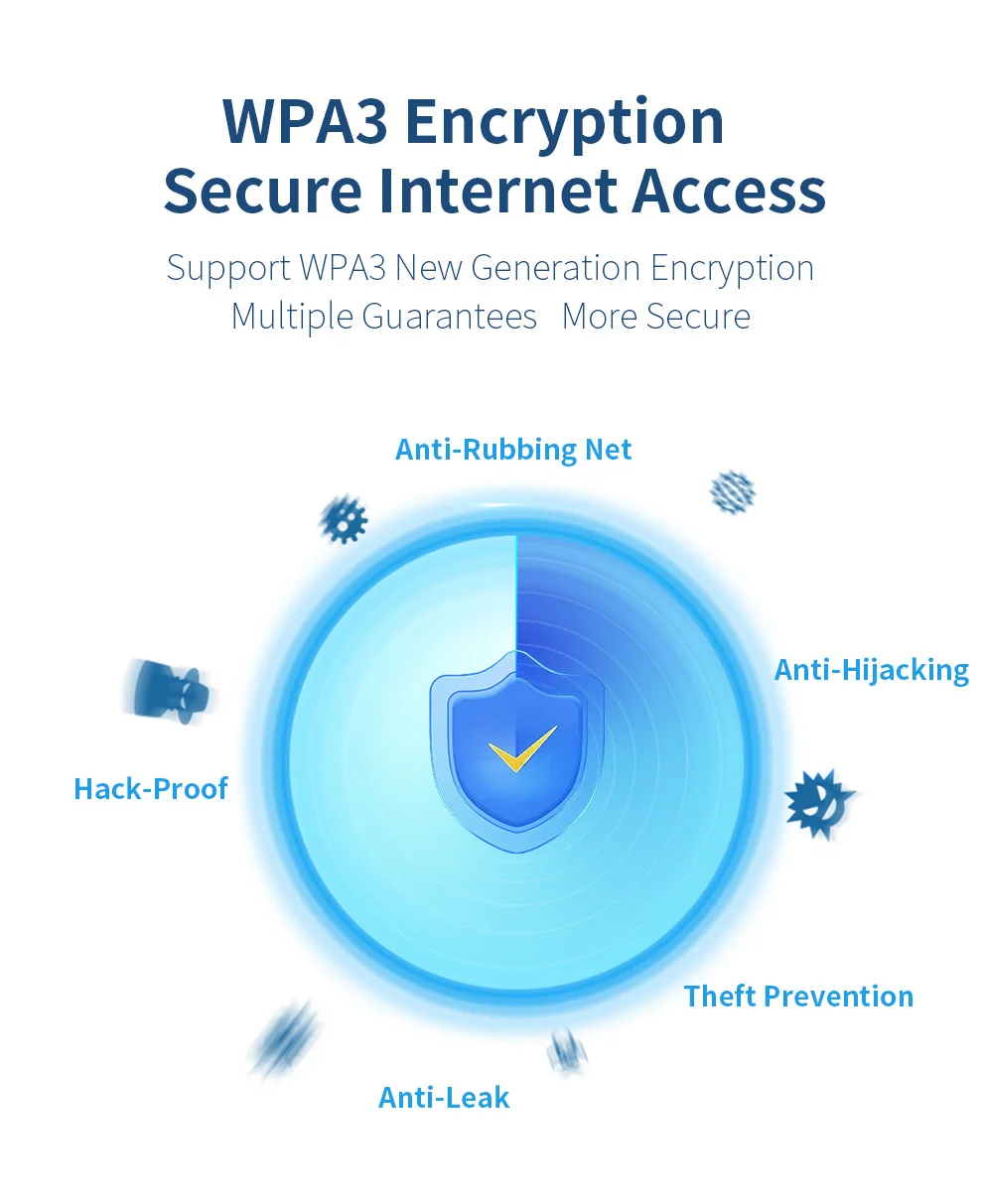
5.Encryptio:WPA-WEP/WPA-PSK/WPA2-PSK
6.USB Port:USB2.0
7.Other Functions:Simulate AP
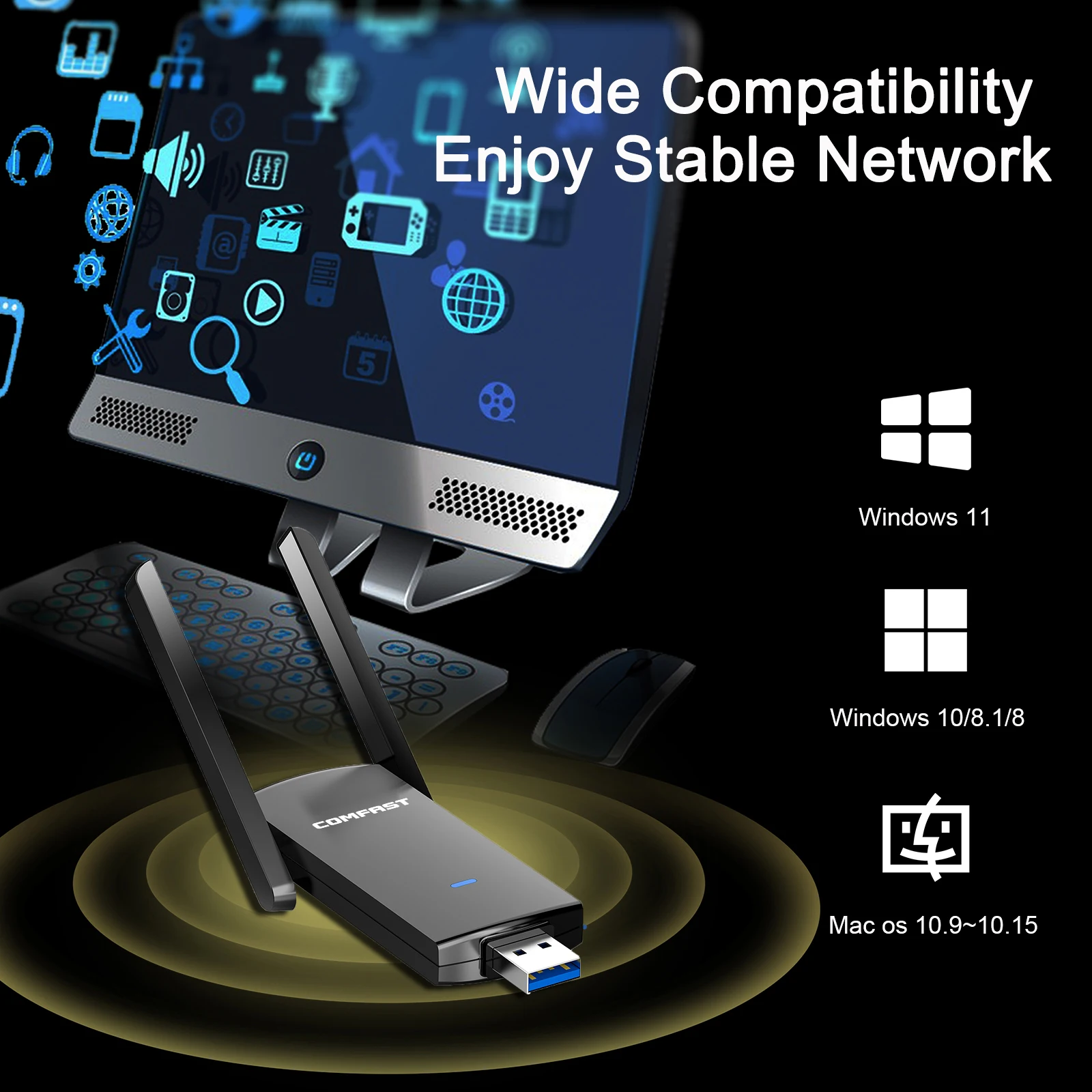
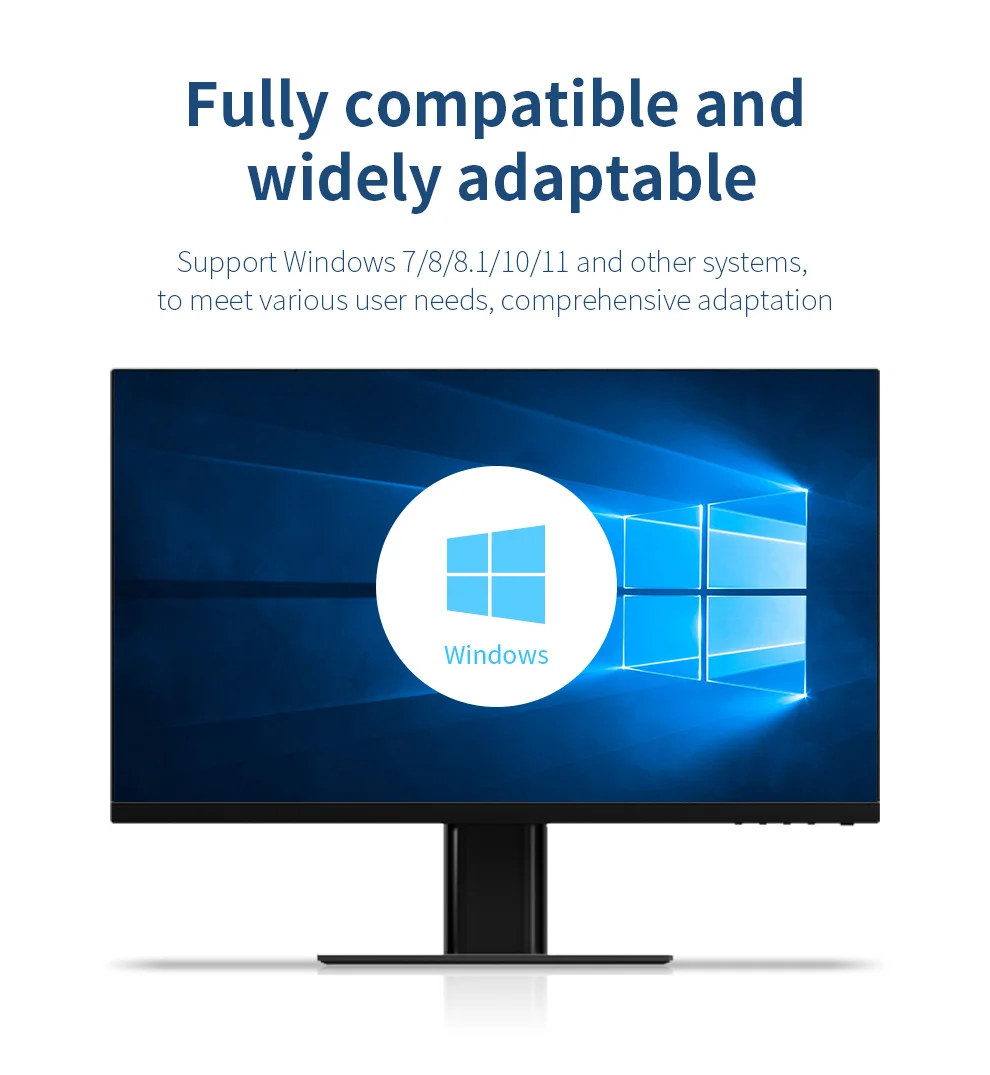
8.Support OS:Window8/8.1/10/11
9.Application
:Desktop/notebook
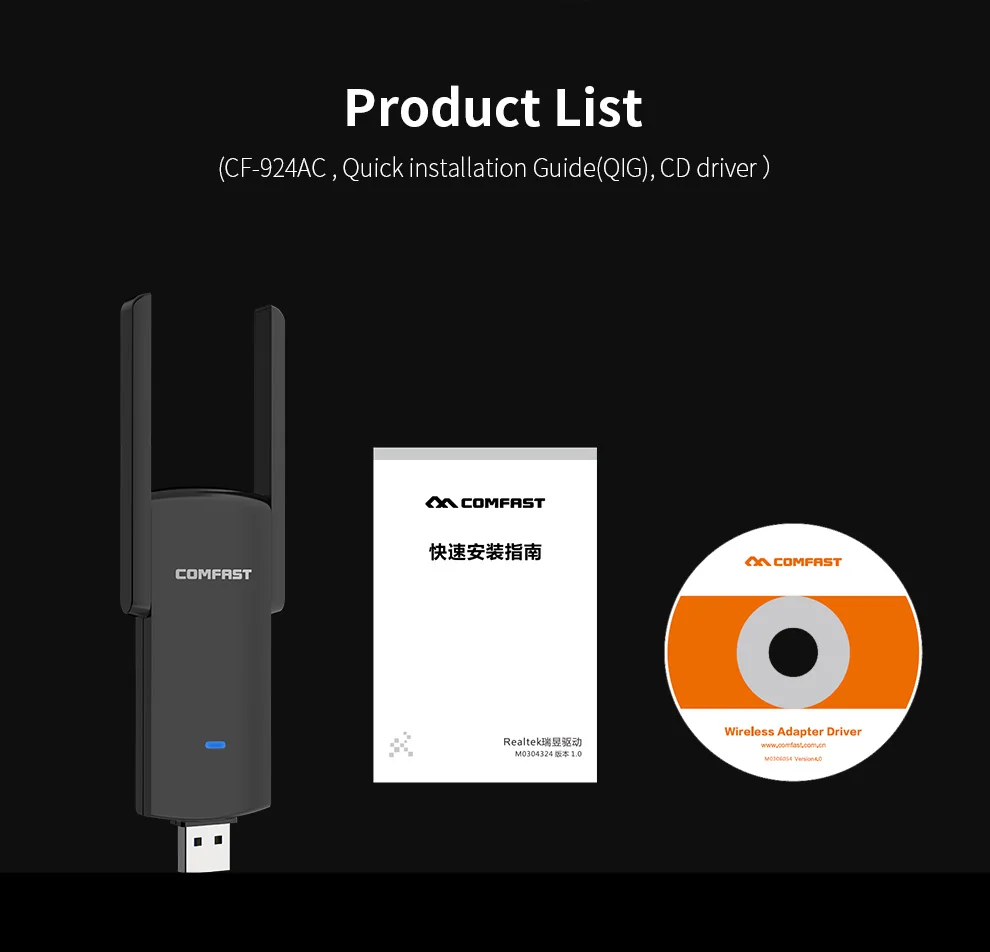
Packing list
1* WiFi6 Wireless Adapter
1*Quick Installation Guide
>>Important Note:
1. The product transmission speed will be affected by the strength of the wireless signal.
In addition, the USB interface will also restrict the transmission speed.
>>Troubleshooting Guide:
1. What can I do if no WiFi signal can be detected?
(1) Check if the WiFi function of the nearby router work properly when connected to the cell phone directly.
(2) Reduce distance between the USB WiFi adapter and the router for a try, and avoid the obstacles such as thick walls, metals or large-area mirrors.
(3) Check whether the wireless router and wireless AP have settings to hide the wireless network name.
2. What can I do if the WiFi signal can be detected, but cannot be connected successfully?
(1) Check the signal strength of the router. Try to connect the WiFi in a place that has a stronger signal.
(2) Ensure you have entered the correct password.
(3) Check if the DHCP function of the router has been enabled. If not, the WiFi adapter won’t be able to obtain the IP address and connect the internet.
(4) Check if you have set the binding of your Mac address and the router. If yes, you need to set the binding of Mac address and the WiFi adapter.
(5) Ensure encryption type of your router is one of the WPA-PSK, WPA2-PSK, and 64/128-bit WEP.
3. How can we troubleshoot if the internet speed is slower than we expected?
(1) Try to use the WiFi adapter in a place that has a stronger signal.
(2) Manually adjust different channels for the router, and find out the optimal channel so that the interference is minimal.
(3) Set the router to 2.4Ghz from 5Ghz for a try.
(4) Check if the internet speed is normal if you connect the phone to the router’s WiFi in the same circumstance.
Reviews
There are no reviews yet.